Fixed locations
The first page of the fixed location monitoring section will show you a list of records you have recently made (if any) and not yet synced.
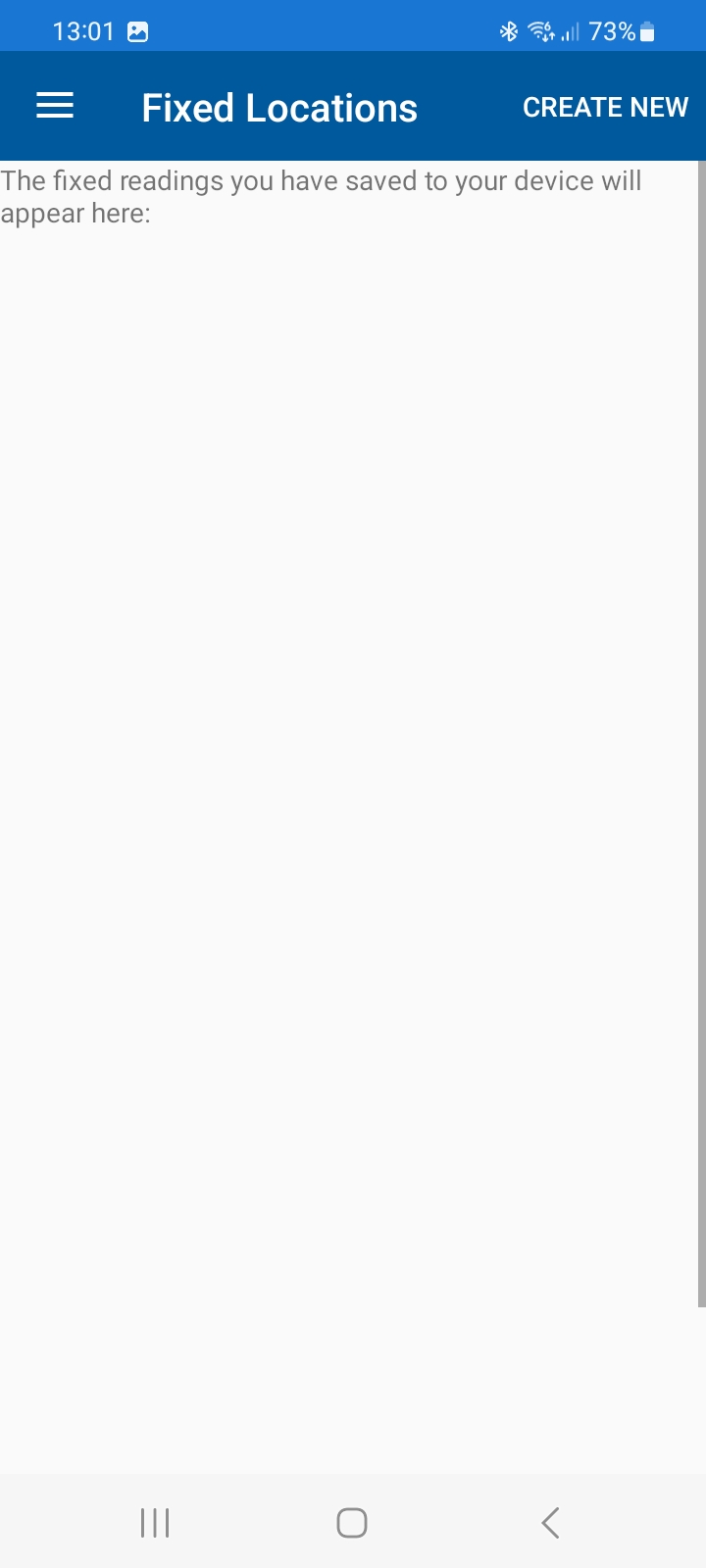
Click on 'create new' to start a new fixed temp reading.
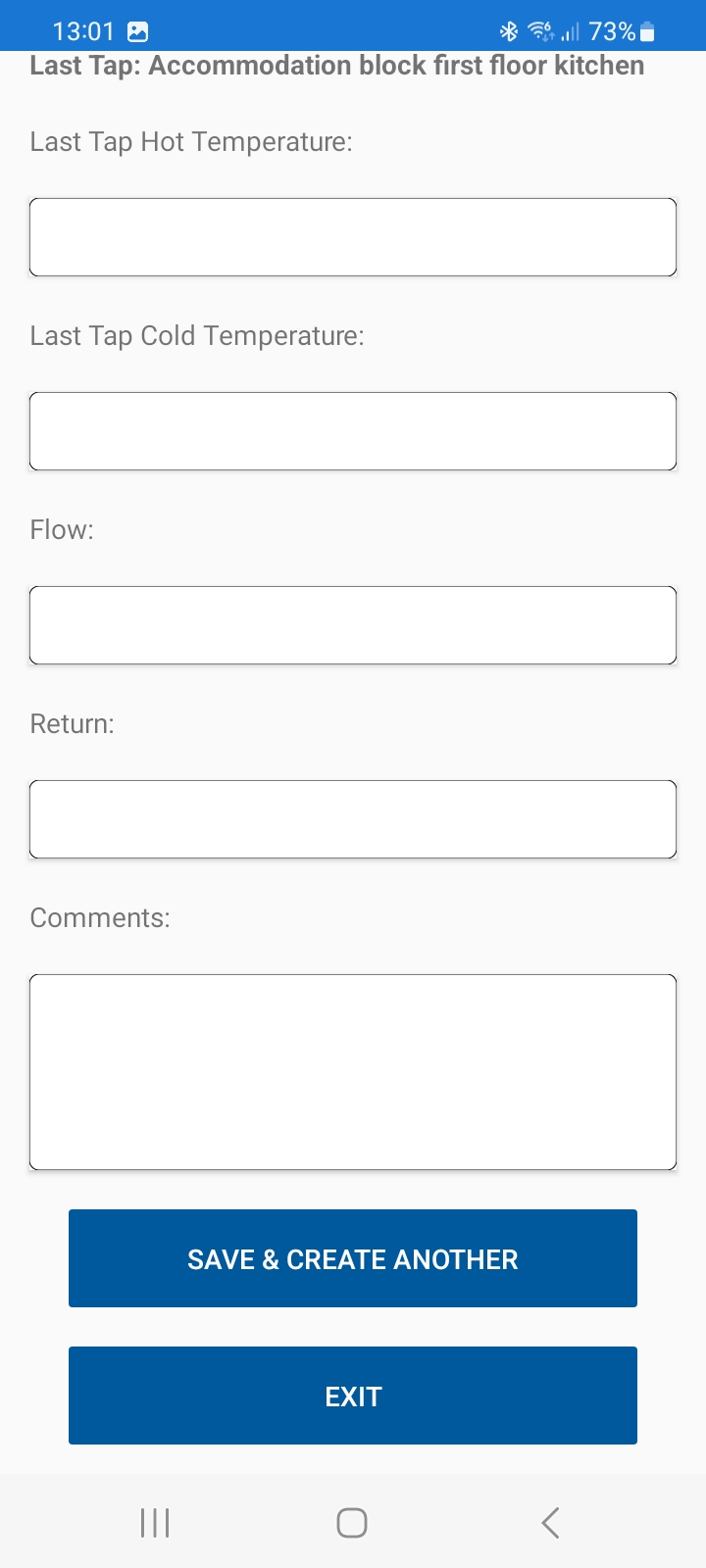
First, select the site you want to add readings to. When you select a site and hit 'go', the app will return the previous temp recordings for your reference, and also list the fixed sentinel locations in a drop down. Following selection, you will be able to add the recordings for that sentinel; eg hot/cold tap temp, and any notes.
Once you've added the data, you can 'save and create another'. This will save the data locally to your device (not yet synced to the client portal) and clear the form so you can add another record. When you've finished all temp recordings, hit exit to return to the dashboard.
.jpg)