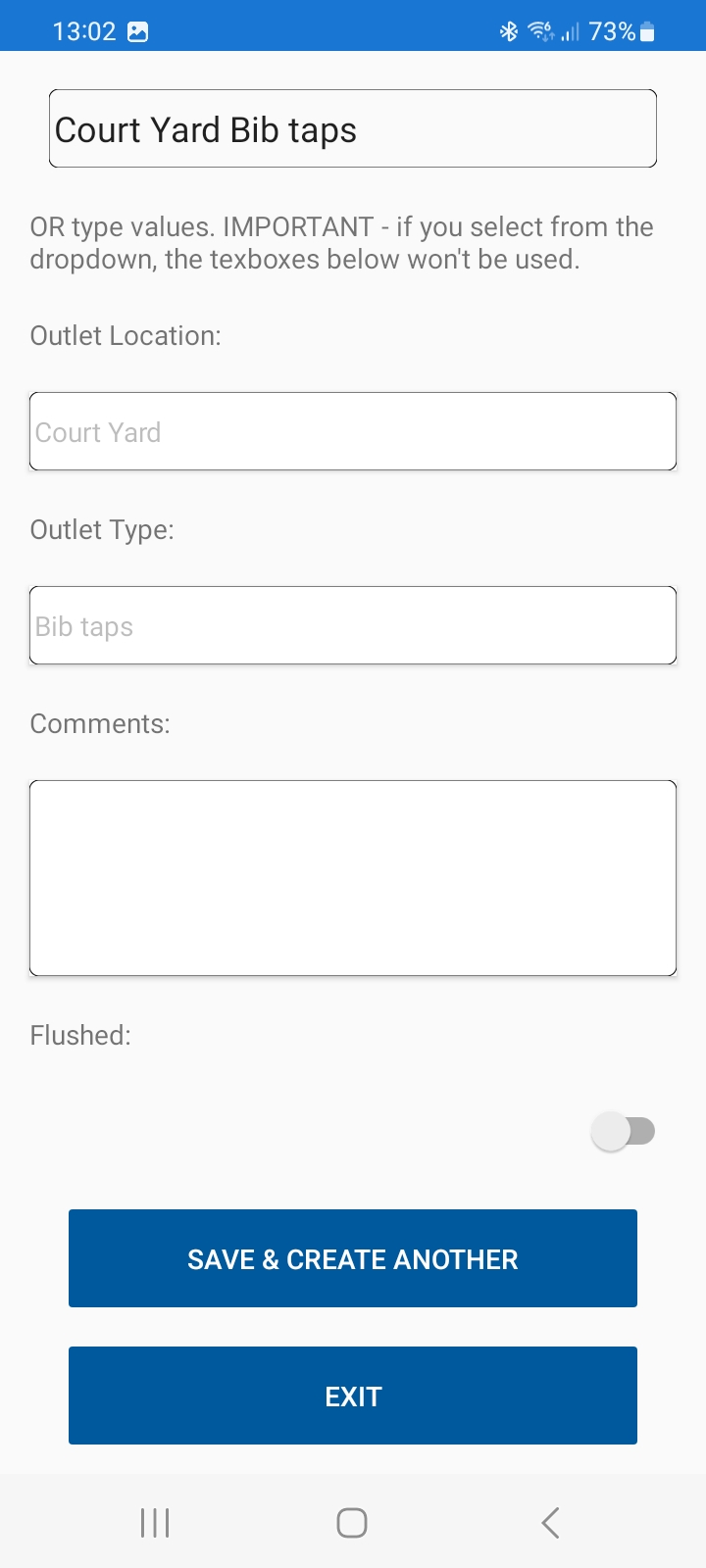
Flushing logs
This page allows you to record the results of the flushing of little-used outlets.
You first select the location of the outlet using the dropdown. Alternatively, type the name of the outlet. If a dropdown item is selected, any typed value will be ignored. You then add the outlet types, any general comments, and click the slider/button to confirm whether the outlet was actually flushed at this time. If it wasn't flushed, you can add the reason into the comments, eg 'no access', so that the auditable data in the back office records this reason.
You can then 'save and create another', or exit the page when you have completed the flushing of little used outlets.