Mobile sync
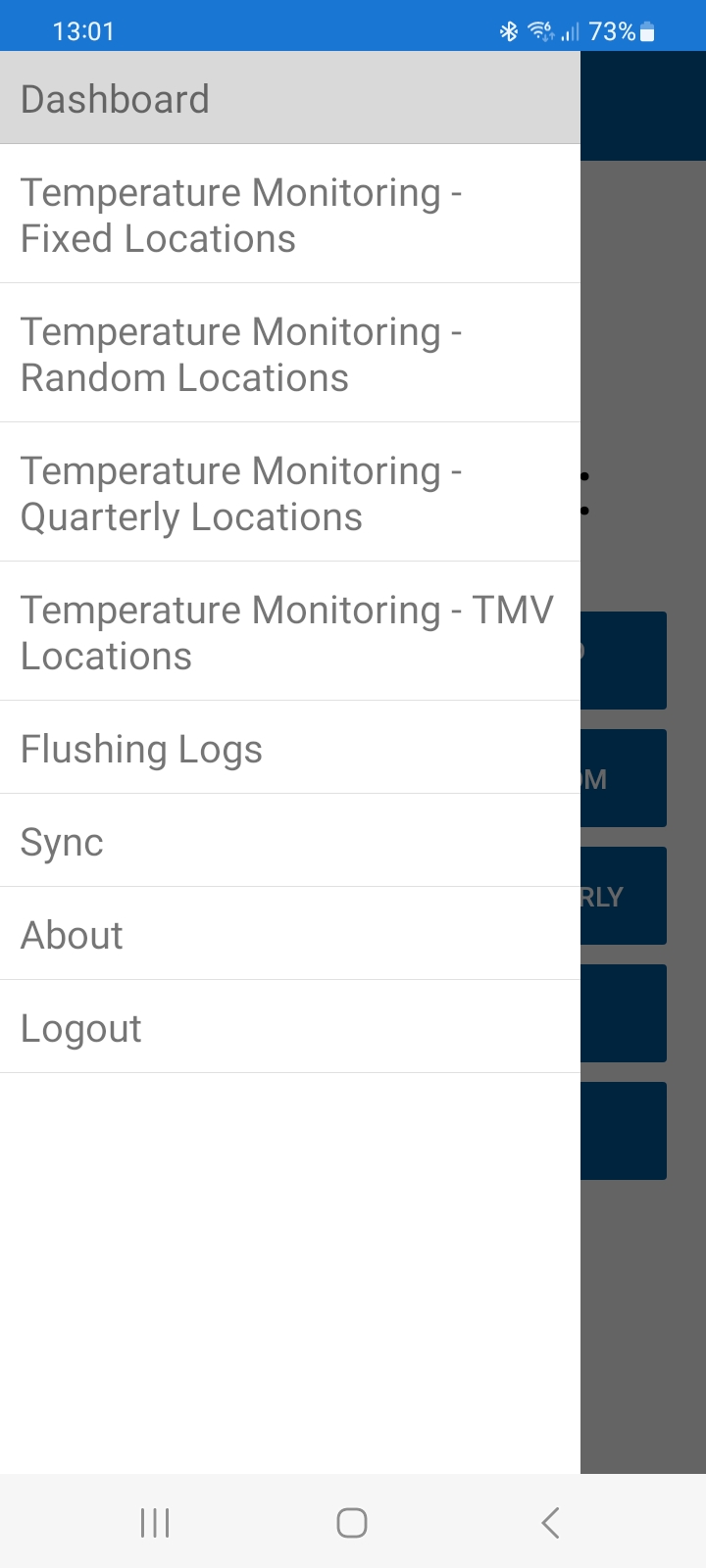
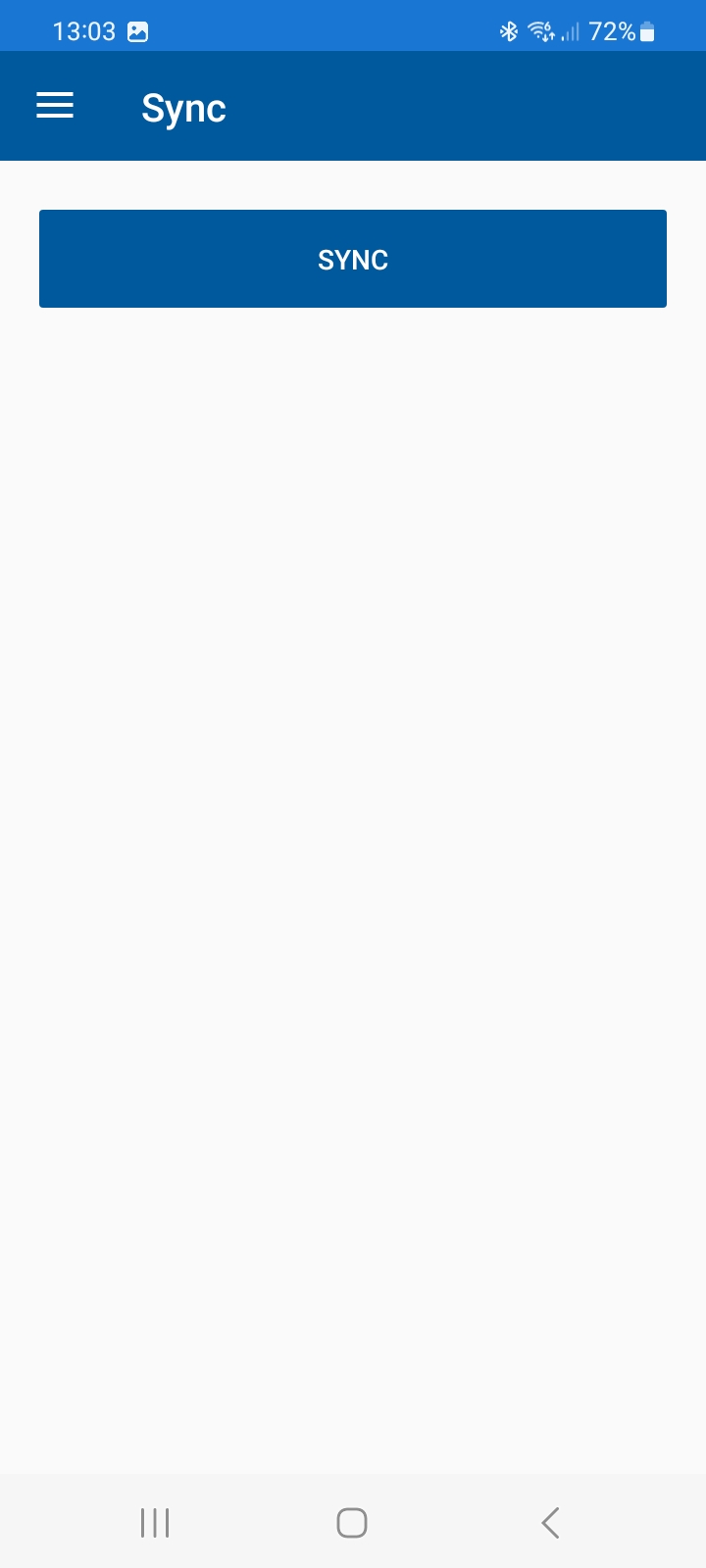
After installing the client app and logging in with your Hydraclean-supplied login credentials, you first need to perform a sync to pull down your site data. Click the menu item located top-left on screen and select sync, then click the sync button.
Once this initial sync has been performed, you can return to the dashboard via the menu.
IMPORTANT - any data you record for flushing/temp monitoring is initially held locally on your device. It won't be sent to your client portal until you perform a sync, once you have completed your records. This feature is included in case you are adding data in an area with no mobile signal coverage; all the data is safely stored on your device until you have a signal to perform a sync. Its important to remember to sync once you've completed your records for the day, so the data is then pushed to your client portal.